
Shrink your GIFs.

Store nothing.

Free GIF tools to Resize, compress, and edit your GIFs entirely in your browser.
Nothing is ever uploaded – your files stay on your device.

PLAYGROUND

Try GIF Compressor Live

Upload a GIF or drag one in – watch it shrink in real time.

GIF Compressor

Pixel match percentage.

Quantizer sampling interval.

(The effect of this compression can't be seen in the player. Download the GIF to see the effect.)

Choose GIF or drag & drop

GIF, max 100 MB

    No files selected yet.

    GIF TOOLKIT

    Popular GIF Tools

    Quick, easy and Private tools for every GIF task – right in your browser

    Reddit GIF Downloader

    Save animated GIF from public reddit post in a few clicks.

    Resize-GIF

    Resize GIF

    Change width and height in seconds.

    Spped-up-GIF

    Speed Up GIF

    Make your animation play faster and smoother.

    Combine GIFs icon

    Combine GIF

    Trim unwanted areas with precision.

    free-online-gif-downloader-icon

    Free Online GIF Downloader

    Enter a public link from Twitter, Giphy or any other website.

    Slow-down-GIF

    Slow Down GIF

    Decrease your GIF playback speed with smooth playback.

    tumblr-gif-downloader-icon

    Tumblr GIF Downloader

    Save animated GIF from public tumblr post in a few clicks.

    Text-to-GIF

    Make Typing Text GIF

    Turn any message into a smooth typewriter animation.
    HOW IT WORKS

    How GIFCove Tool Works

    Create, Convert, Optimized and Download GIFs in three simple steps – right in your browser.

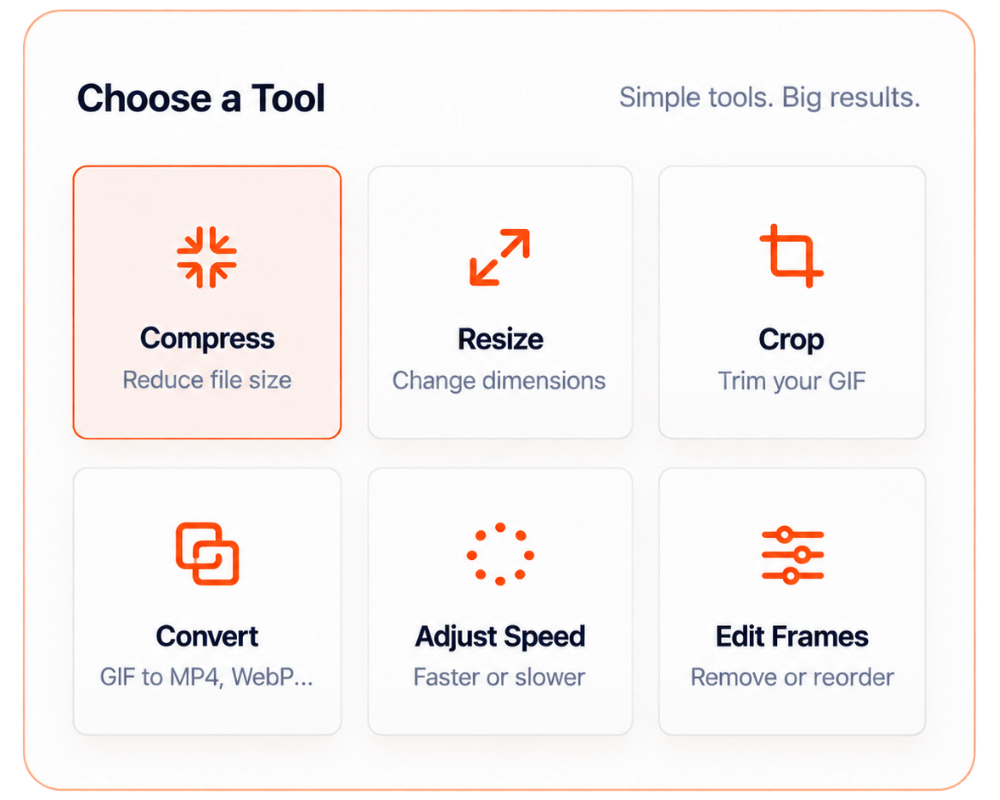
    choose-your-tool

    Choose a Tool

    Pick the GIF’s Tool you need, start your working. Every GIF tool is fast, focused and easy to use.

    Upload Your GIF

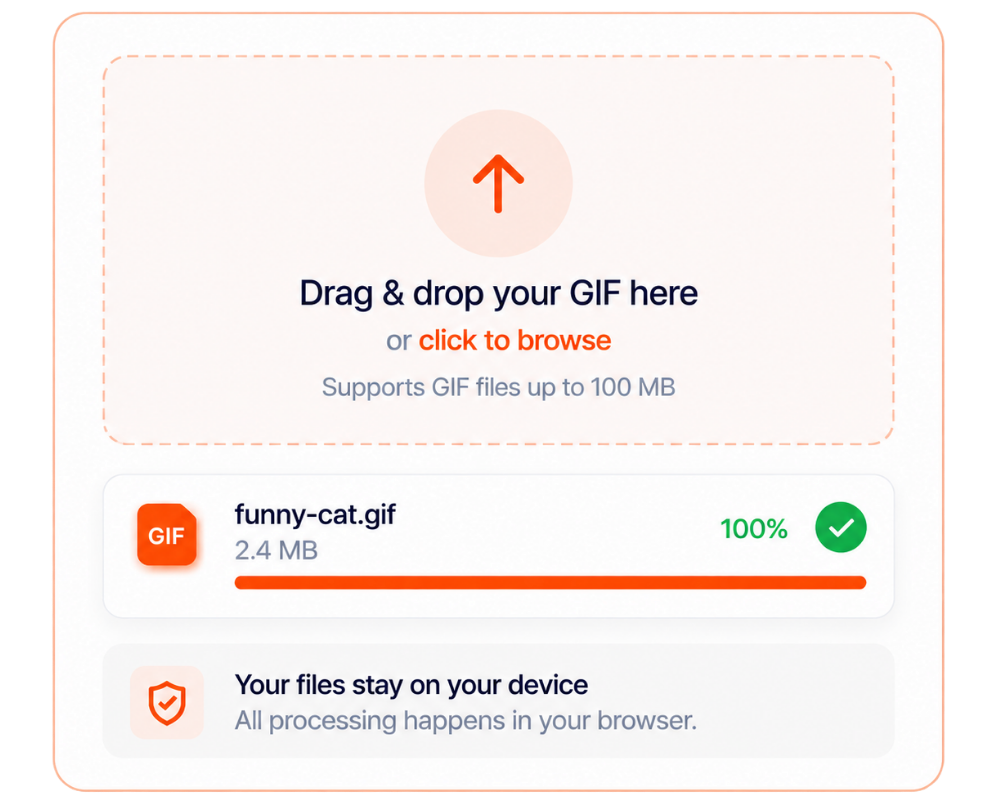
    Drag and drop you file or click to browse. Your GIF is processed locally in your browser and never uploaded to a server.

    Adjust-and-download

    Adjust & Download

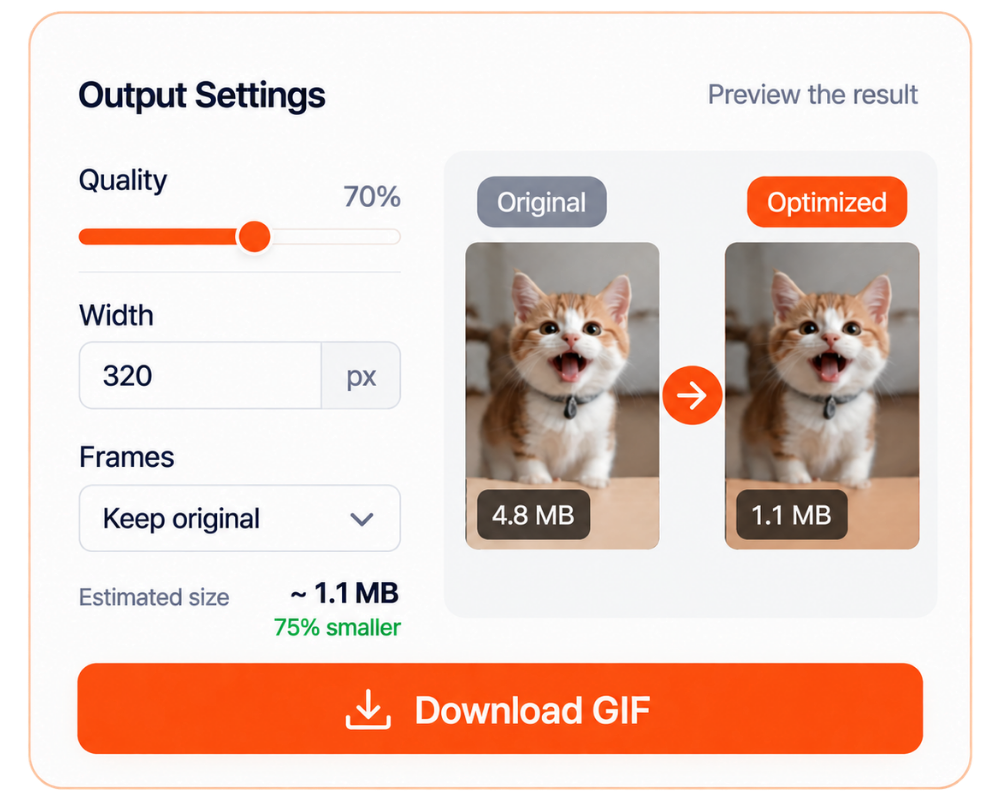
    Fine-tune quality, sizes, frames or dimensions, preview the result and download instantly – no signup or waiting.

    BUILT FOR SPEED

    Why Choose GIFCove?

    Everything you need to edit GIFs-fast, private, and right in your browser.

    gif-tools

    20+ GIF Tools

    Compress, resize, crop, convert, add text, and more-all in one simple toolkit.

    any-device

    Works on Any Device

    Use GIFCove on desktop, tablet, or mobile. No downloads or installation needed.

    privacy

    Private by Design

    Your GIFs are processed locally in your browser-never uploaded or stored on our servers.

    NEED HELP?

    Frequently Asked Questions

    Everything you need to know about using GIFCove – quickly, safely and for free.

    FAQ-speech-bubble

    Is GIFCove free to use?

    Yes. GIFCove is completely free to use, with no subscription, hidden fees, or sign-up required.

    No. Your GIFs are processed locally in your browser and are never uploaded, stored, or shared with our servers.

    GIFCove currently supports GIF files up to 100 MB. Processing speed may depend on the file size and your device.

    Yes. GIFSPEED works on desktop computers, tablets, and mobile devices through any supported modern browser.

    Compression may slightly affect quality depending on your selected settings. You can adjust the options and preview the result before downloading.

    No. You can use all GIFCove tools without creating an account or providing any personal information.

    GIFCove works with the latest versions of Chrome, Firefox, Safari, Edge, and most other modern browsers.

    START CREATING

    Ready to Edit Your GIF?

    Compress, resize, convert, or customize your GIF in seconds – free, private, and entirely in your browser.