

Type your message, customize the style, and preview your animation instantly.
Preparing frames…
Your text and generated GIF stay on your device.
Your typing GIF is ready.

Work on any device, anytime.

Your files never leave your device.

See result in real time.
Type or paste the message you want to animate.

Choose the timing, font, colors, output size, and cursor style.
Create your animated GIF and save it instantly to your device.
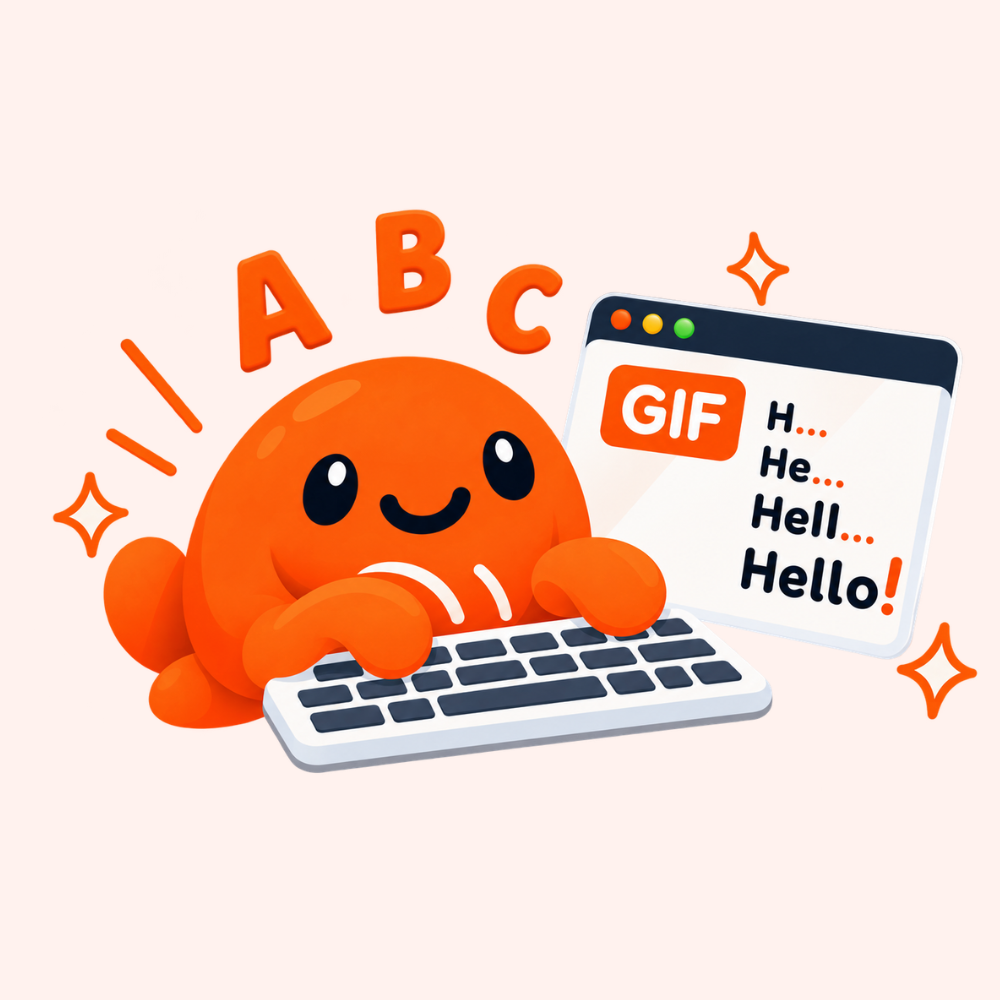
Our Typing Text GIF Maker runs entirely in your browser, giving you a smooth character-by-character animation from any message. Customize the font, colors, timing, cursor, and output size – all without uploads, installations, or complicated editing software.

See every change before exporting your GIF.

Use the tool directly in your browser without downloading or installing software.

Start editing immediately without creating an account or providing personal information.

Here are answers to some common questions about typing text GIFs.
Yes. GIFCove’s Typing Text GIF Maker is completely free to use. You can create and download typing text GIFs without any subscription, hidden fees, or sign-up.
Yes. You can enter text in most languages and supported characters. The final appearance may depend on whether your selected font supports those characters.
Yes. Use the Frame Delay control to make the characters appear faster or slower. A lower delay creates faster typing, while a higher delay produces a slower animation.
Yes. You can turn the typing cursor on or off and customize the text, background, and outline colors. You can also choose from the available color presets.
No. Your text and GIF are processed locally in your browser. Nothing is uploaded, stored, or shared with our servers.
The tool supports several output sizes, including:
Explore other tools to enhance GIFs.
Tell us which GIF tool you would like us to build next.